Show guests your room. They pick the table.
We turn your dining room into a live plan on your website. A guest sees which tables are free, picks one and books it.
- Free
- Held
- Booked

Photo: Kgbo, CC BY-SA 4.0, modified
From the room to the booking
-
1 · Room
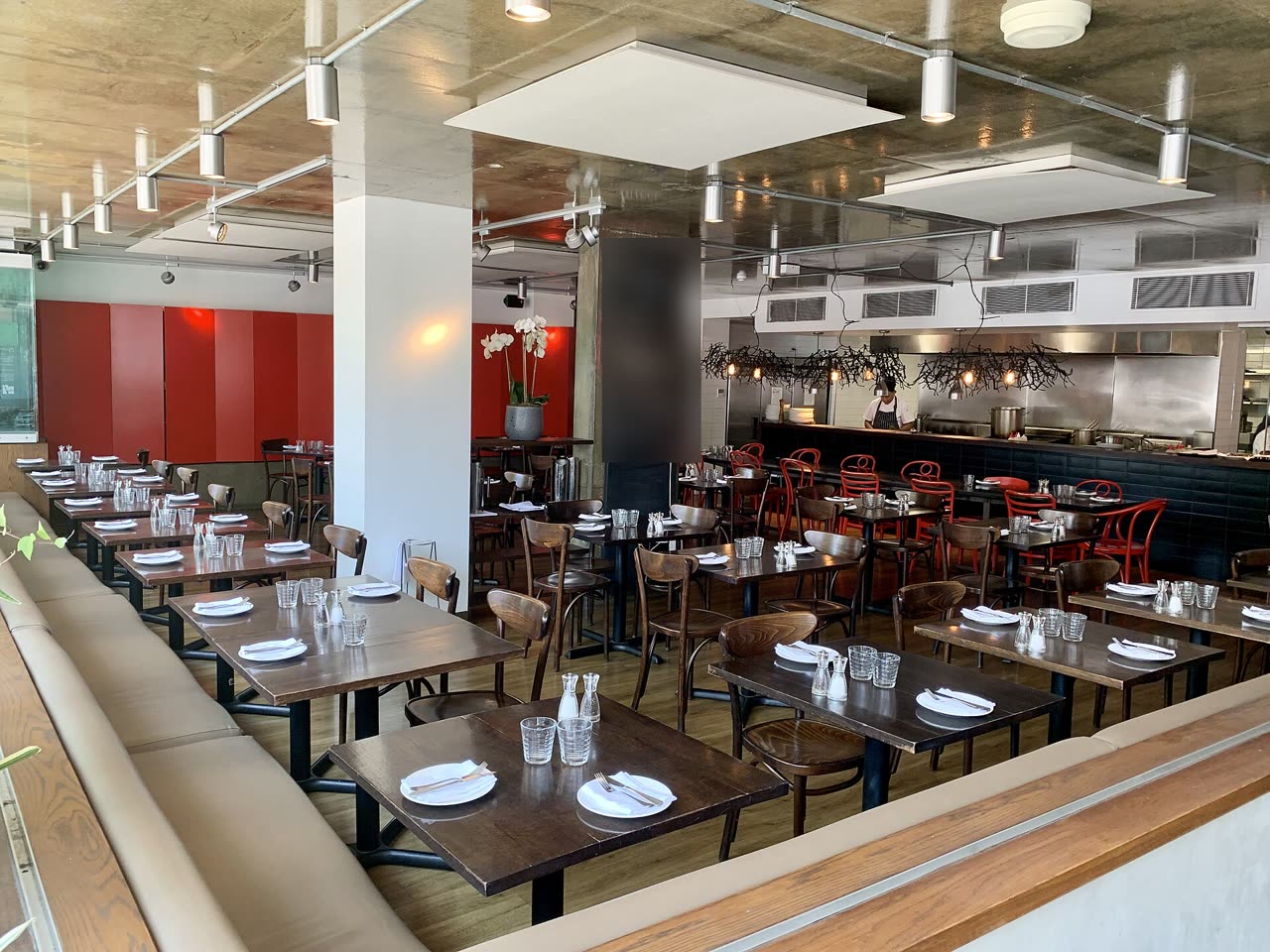
We start from your room
A photo, a drawing or the room’s measurements. That is enough to begin.
-
2 · Plan
We draw it to scale
Every table becomes a place on the plan, with its number, its seats and its own rules.
-
3 · Live
The plan moves with the room
When a table is held or booked, every guest sees it at once. The same table cannot be booked twice for the same time.
-
4 · Your site
One line of code
The plan becomes part of your website, in your colours. Guests pay you directly.
Cameras see which tables are taken
A camera in the room notices guests at a table, and the table turns taken on the plan. Nobody on the staff has to mark it by hand.

Photo: Valenzuela400, CC BY-SA 4.0, blurred
- Recognition runs inside the venue, on a small computer next to the camera.
- Only events reach the server: a table is taken or free. Video never leaves the venue.
- Bookings always come first: a camera never takes a table someone has booked.
For rooms where guests care where they sit
- Restaurants & cafésTables, terraces, private rooms
- Beach clubsLoungers, cabanas, umbrellas
- CoworkingDesks, meeting rooms
- ParkingBays and levels
- Sports facilitiesCourts, lanes, pitches
- EventsZones, stands, seats
Why you can rely on it
-
Integrity
No double bookings
Two bookings of one table for the same time are refused by the database itself, even when two people press at once.
-
Payments
Card data stays off your site
A payment provider you connect takes the payment. The money goes to the venue.
-
Accessibility
For every guest
Every table can be chosen by keyboard and with a screen reader, to WCAG 2.2 AA.
The PlanWise team
I want a guest to pick a table in a room as easily as a seat in a cinema. And I want a venue to see its room live, table by table.
Pilot
We are launching PlanWise with our first venues and agree terms with each one.
- We turn your room into a plan and put it on your website.
- The price depends on the number of venues and tables. We send a written offer, with every term and tax stated.
- Guests pay you directly, with nobody in between.
Questions
Do I need a developer to put PlanWise on my site?
No. The widget goes in with one line of code, like a map or a video. If your site is built with a site builder, a custom-code block is enough.
Who draws the plan?
The plan is drawn in the PlanWise editor, with measurements and a grid. A photo or a drawing of the room can sit under it.
Can two guests book the same table for the same time?
No. The database itself refuses such a booking, even when two people press "Book" in the same second.
How do guests pay, and where does the money go?
Through the payment provider you connect. The money goes to the venue. Card details reach neither your site nor us.
Does it work on phones?
Yes. The plan fits a phone screen, and a table is chosen with a tap.
Which languages does the widget speak?
Ukrainian, English, German, Spanish, French and Italian.
Let’s put your room on a plan
Tell us the venue’s name, the city and roughly how many tables. We will reply with the pilot’s terms.